Tracking Locations
Locations are the places you've visited or plan to visit. AdventureLog makes it easy to save and organize them.
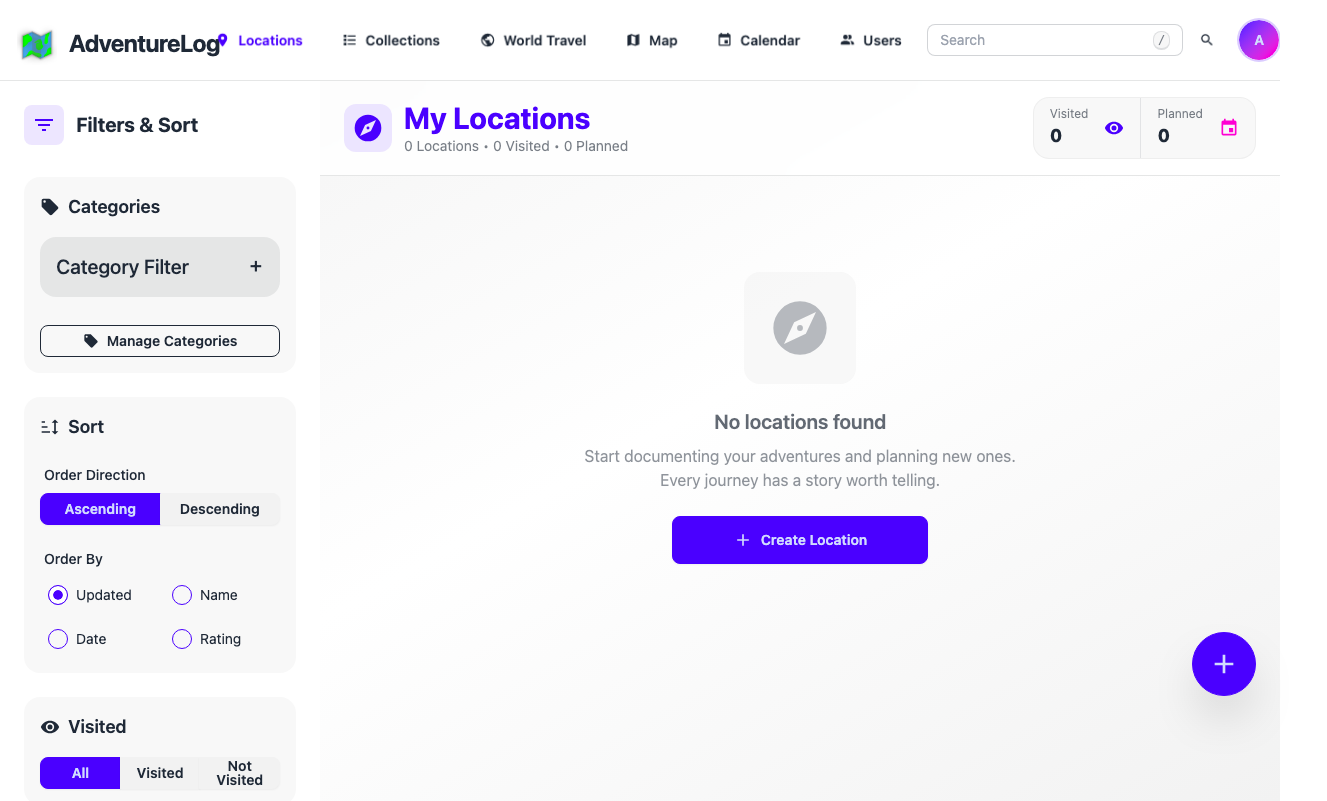
Adding a Location
- Go to Locations from the sidebar
- Click Add Location
- Search for a place or drop a pin on the map
- Add details like notes, photos, and ratings
- Save the location to your log
Browsing Your Locations
Use the list view to browse all saved locations. Filter by country, rating, or date visited.